When Your HP LaserJet Isn’t Worth Fixing
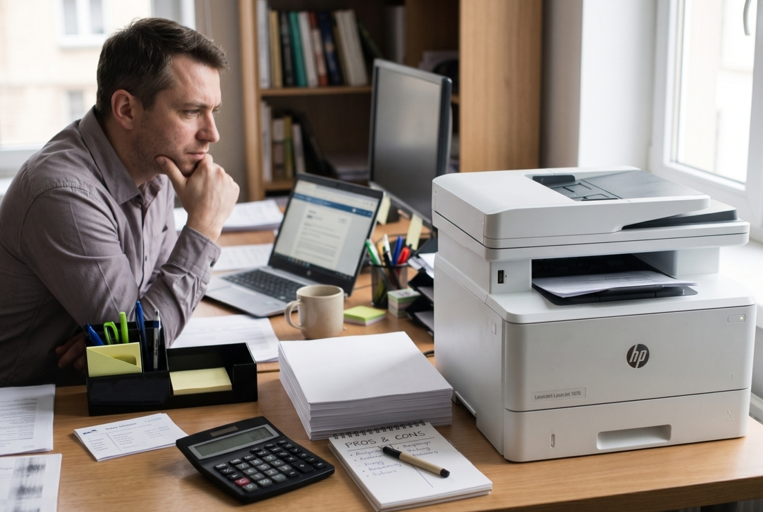
Your HP LaserJet has started acting up. Maybe it jams every few pages. Maybe the prints look streaky. Maybe it just makes a strange noise.
Now you’re stuck with a question. Fix it, or buy a new one?
It’s a fair worry. Nobody wants to pay for a repair and then watch the printer die a month later. But nobody wants to throw away a good machine either. LaserJets are tough, and many last for years. So let’s work through it calmly.
Start With the Simple Stuff
Before you decide anything, rule out the cheap problems. A lot of “dead” printers aren’t dead at all.
Faded prints often just mean the toner is low or the cartridge is tired. Swapping in fresh HP LaserJet toner cartridges that match your model fixes more problems than people expect. Offline errors are often a Wi-Fi hiccup. A jam might just be a scrap of paper stuck inside.
If a ten-minute fix solves it, you’ve saved a lot of money. If not, keep reading.
5 Questions to Ask Yourself
- How old is the printer?
Age matters, but not as much as you’d think. A well-kept LaserJet can run for many years. A printer that’s only a few years old is almost always worth fixing. One that’s very old may have trouble finding parts. Check the date on the back or ask the seller. - How much will the repair cost?
Get a quote. Then compare it to the price of a similar new printer. A common rule of thumb is this: if the repair costs around half the price of a new one, think twice. If it’s much less, repair usually wins. It’s only a guide, not a law. - What exactly is wrong?
Some faults are cheap and common. A worn roller. A dirty sensor. A tired cartridge. Others are bigger, like a failed main board. Ask for a clear diagnosis before you decide. - Are parts and supplies easy to find?
A printer is only useful if you can keep it supplied. If toner and parts for your model are easy to get in Dubai, repair makes more sense. If they’re hard to find, replacing may save headaches later. - Does it still fit your needs?
Maybe your office has grown. Maybe you now need duplex printing, faster speeds or Wi-Fi. If the old printer can’t keep up anymore, a new one might be a better use of your money, even if the old one could be fixed.
Problems That Are Usually Worth Fixing
Some faults are common and affordable to repair. These usually make sense on a healthy LaserJet:
• Frequent paper jams from worn rollers
• Streaks or lines from a worn drum or dirty parts
• Error messages that won’t clear
• Slow or noisy printing
• Cartridge not recognized after you’ve checked everything
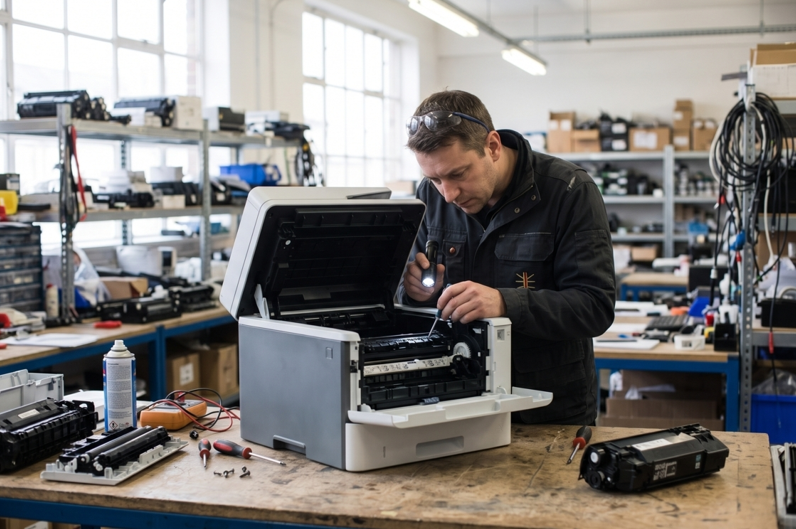
For problems like these, a trusted laser printer repair service in Dubai can find the exact cause and fix it. That’s often much cheaper than a new machine. Ask them to explain the fault in plain words and give you a price before they start.
Signs It May Be Time to Replace
Sometimes replacing really is the smarter choice. Think about it if:
• The printer is very old and parts are hard to find
• The same problems keep coming back after repairs
• The repair quote is close to the price of a new printer
• It can’t handle the amount you print any more
• A major internal part has failed
One repair on an old printer is fine. Three repairs in a year is a pattern. That’s your printer telling you something.
Don’t Forget Running Costs
A cheap new printer isn’t always cheap. Toner is where the money goes. Before you buy, check the price of replacement cartridges and how many pages they print. A printer that’s a bit more expensive but uses affordable, high-yield toner can cost less over the years.
The same goes for your old printer. If its toner is easy to find and reasonably priced, that’s a point in its favour.
A Simple Way to Decide
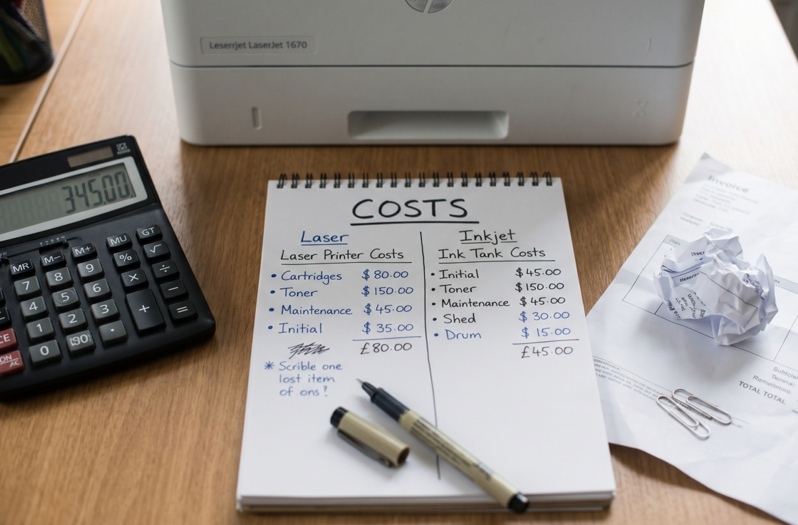
Put it on paper. Write down:
- The repair quote
- The price of a similar new printer
- The age of your current one
- How often it has broken down lately
- Whether you need new features
If the repair is cheap and the printer is fairly young, fix it. If the repair is expensive, the printer is old and breakdowns are frequent, replace it. If you’re stuck in the middle, ask for a second opinion.
Mistakes to Avoid
• Replacing a printer that just needed new toner
• Paying for a repair without a clear quote
• Ignoring how much toner will cost
• Keeping a failing printer out of stubbornness
• Opening the printer yourself when you’re not trained
• Waiting too long and losing work time
When Should You Get Extra Help?
Ask a technician for advice if:
• You can’t tell what’s wrong
• Jams or errors return every few days
• Prints stay poor with new toner
• You hear grinding, clicking or squealing
• You smell something burning
Please don’t open the printer yourself. The fuser inside gets very hot, and small parts break easily.
Final Thoughts
Repair or replace isn’t a hard choice once you look at the facts. Check the simple fixes first. Compare the repair cost with a new printer. Think about age, parts and toner costs. And be honest about what you need. A good LaserJet is worth keeping. A tired one that keeps failing is worth letting go. Either way, make the choice with a clear head and a clear quote.